 Arkham
Arkham Visualizer: start from a wallet address
Arkham is a blockchain analytics platform. Its Visualizer turns wallet addresses and entities into interactive graphs of incoming and outgoing transfers. A first inspection can focus on one connection and the transaction details behind it.
- Starting inputs
- A wallet address on a supported chain, or an entity name available in the platform’s search.
- Graph contents
- Transfers, counterparties, and tokens, with a volume overview and transaction details module in Visualizer 2.0.
- Access
- Visualizer 2.0 remains available to free users under the Enterprise changes announced October 20, 2026.
What do the nodes and lines mean?
Nodes represent addresses or entities, while lines show transaction relationships. Green lines indicate inflows, and red lines indicate outflows relative to the selected address or entity.
An entity view can bring several wallets together. Looking at an entity therefore differs from examining one individual address, even when both appear as nodes.
How can you inspect one transfer?
Begin with an address on a chain the platform covers and keep the task to inspecting recorded activity.
- Paste the address into the Visualizer search field. The resulting graph maps its transaction connections.
- Choose an incoming or outgoing connection, then click its transaction line. The detail view can show transferred tokens, gas price, and timestamps.
-
Check the tokens and timestamps in the detail view against the connection you selected. Stop at the inspected record, or undo the last graph move with
cmd/ctrl + Z.
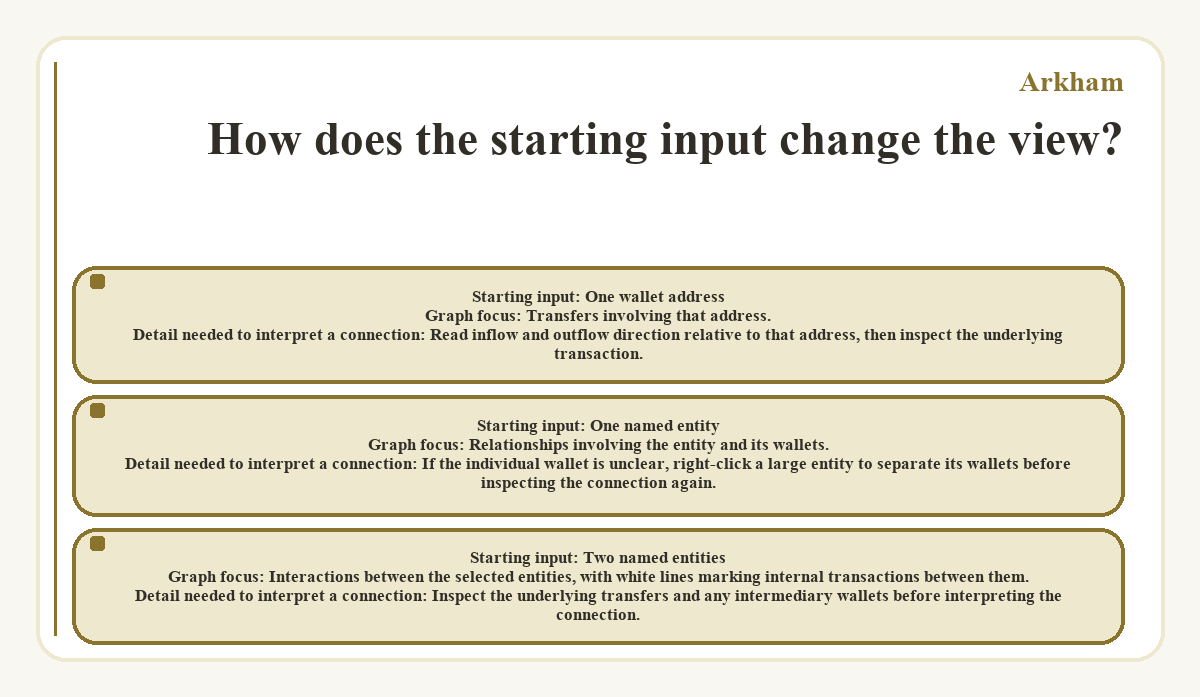
How does the starting input change the view?
| Starting input | Graph focus | Detail needed to interpret a connection |
|---|---|---|
| One wallet address | Transfers involving that address. | Read inflow and outflow direction relative to that address, then inspect the underlying transaction. |
| One named entity | Relationships involving the entity and its wallets. | If the individual wallet is unclear, right-click a large entity to separate its wallets before inspecting the connection again. |
| Two named entities | Interactions between the selected entities, with white lines marking internal transactions between them. | Inspect the underlying transfers and any intermediary wallets before interpreting the connection. |
When is more access needed?
The October 20, 2026 announcement Announcing Arkham Enterprise makes full transaction history and transaction filtering Enterprise-only. A free account sees the latest 100 transactions on an address or entity page. If that address or entity has more than 100 transactions, older activity falls outside the free list.
The separate counterparties section on explorer pages also requires Enterprise, while Visualizer 2.0 remains free.
Creating a new hop-by-hop investigation in Tracer 2.0 requires Enterprise, with bridge tracing limited to supported chains. This tool follows sequential fund flows, giving a different view from the Visualizer’s transaction relationships.